
Click the heart icon on any listing, either in the search results or on the listing page itself. The heart fills in to confirm the home is saved. You can then view and update all your saved homes from the Favorites tab in My dashboard, which works as your personal shortlist.
Why saving properties you love really matters
When you browse homes on Zillow and land on a property listed by Beycome, that moment matters. You found something that fits your budget, your taste, or your future plans. Saving it right away helps you stay organized, focused, and ready to move when the time is right. Real estate moves fast. Homes you like today may disappear tomorrow. When you save a property, you take control instead of relying on memory or endless searches.
Saving properties also helps you compare options clearly. You can review prices, locations, photos, and features side by side. This makes decisions easier and faster, especially when you feel ready to make an offer.
How Beycome makes saving properties simple
Beycome designed the platform to keep everything easy and intuitive. You do not need spreadsheets, screenshots, or notes on your phone. Everything stays in one place, inside your Beycome account. Your saved homes follow you wherever you log in.
There are two simple ways to save your favorite properties on Beycome, and both take just seconds.
Method one: use the heart icon
The fastest way to save a property is right on the search results page. Every listing shows a heart icon in the top right-hand corner of its photo. When you see a home you like, click the heart. It instantly fills in, which confirms the property now belongs in your favorites.
After that, you can access the listing anytime from the Favorites tab in My dashboard. No searching again. No guessing which home caught your eye earlier.
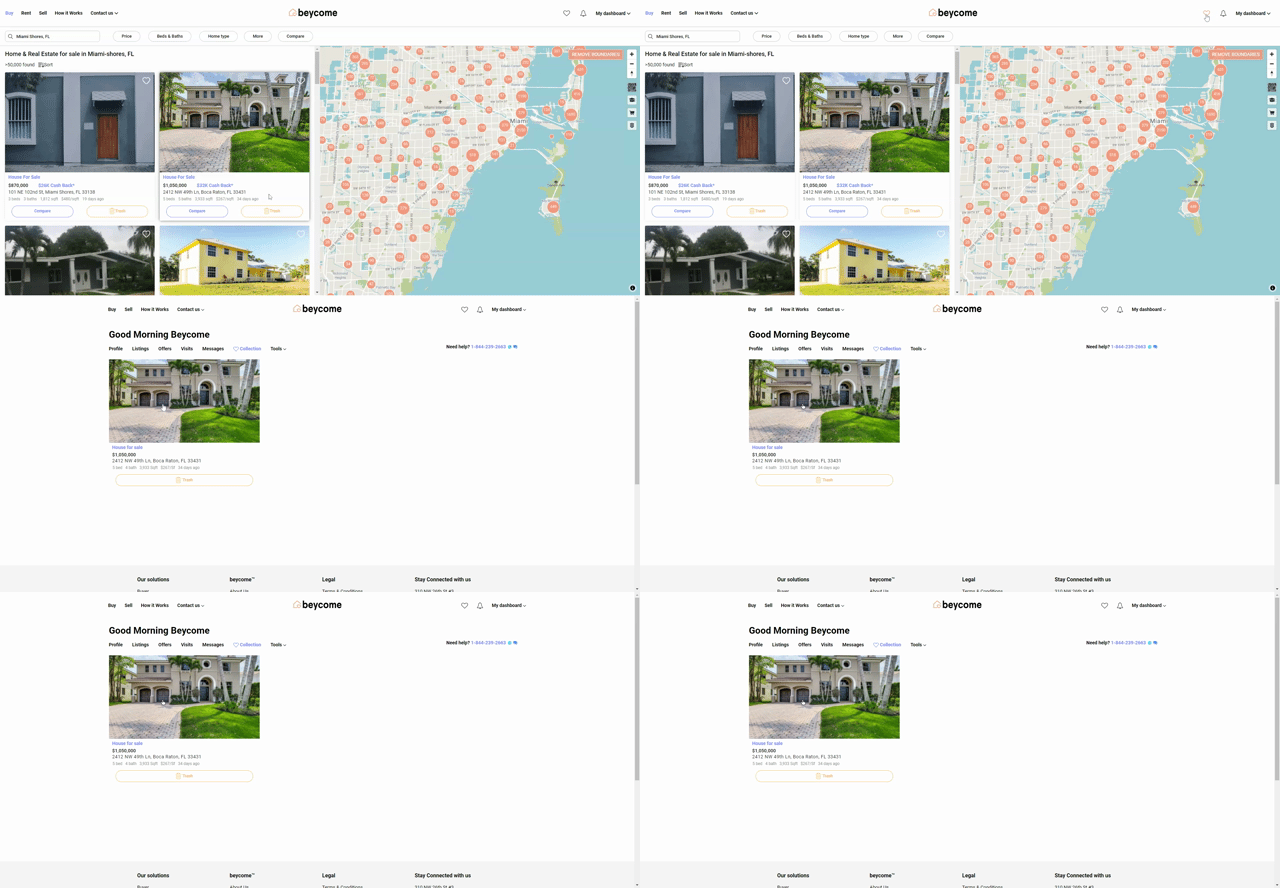
Method two: save directly from the listing page
You can also save a property while viewing its full details. Once you open the listing, click the heart icon at the top right of the photos. Beycome adds the home to your favorites right away. The heart shows on active and pending listings. This method works well when you take time to review photos, price history, and details before saving.
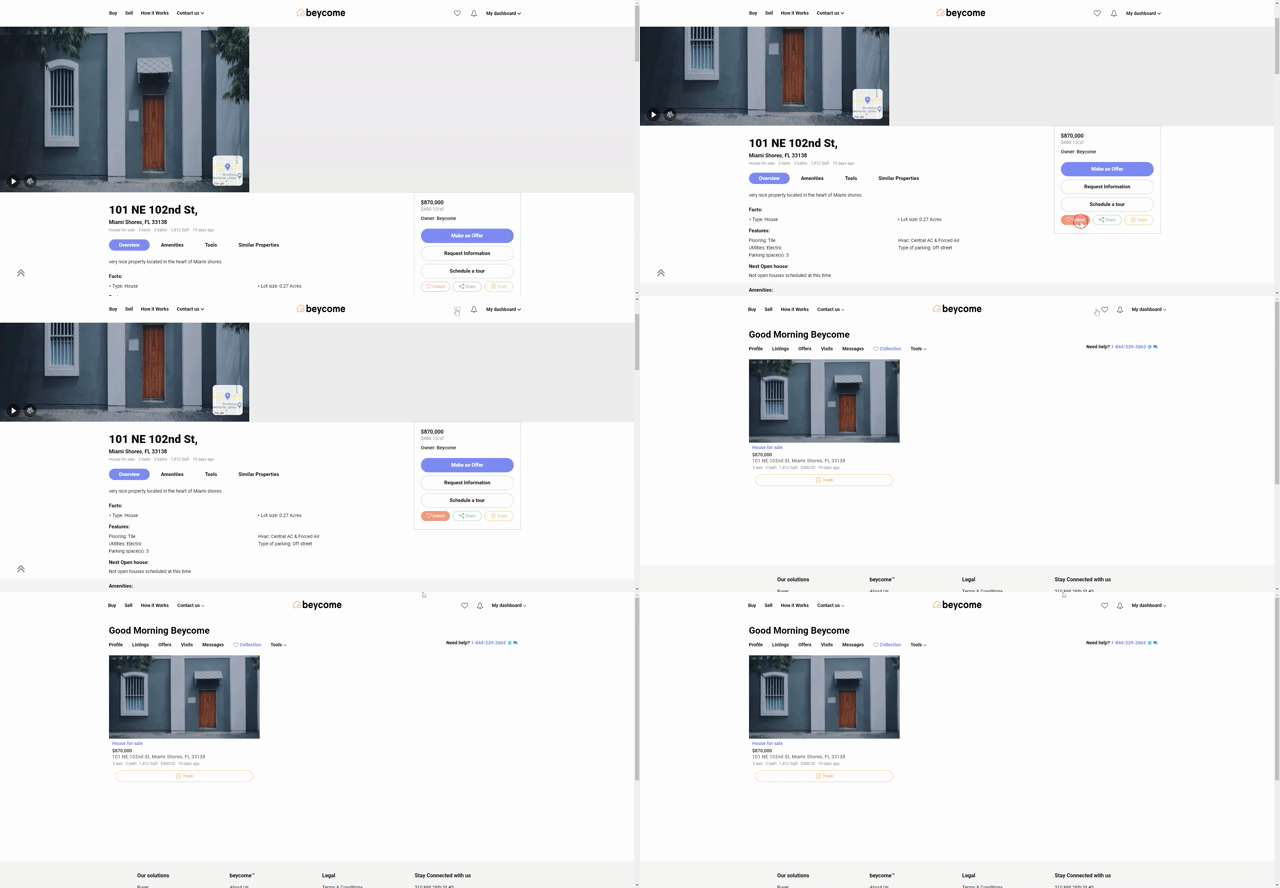
Why collections help you move faster
Your Favorites tab acts like your personal shortlist. It helps you track homes, revisit details, and share options with family or partners. When you feel ready to act, everything sits in one clean space. Saving properties keeps you organized, confident, and one step ahead. That is the cool part.
Interested to learn more about our buyer solution? Visit beycome.com