
Updated November 2026. Robot vacuum vs smart thermostat, plus three more gadgets that make a home easier to live in, which one to buy first, and which ones matter when you sell.
If you’re choosing between a robot vacuum and a smart thermostat, the thermostat usually pays you back and the vacuum saves you time. As of November 2026, ENERGY STAR says heating and cooling take almost half of a typical home energy bill, over $900 a year. Thermostat setbacks can save up to 10% a year (DOE).
Jump to: 🤝 Thermostat vs vacuum · 💲 Smart thermostat · 🏠 Smart locks · 🏢 Barrier gates · 📍 When you sell · ❓ FAQ
Key takeaways
- Heating and cooling run more than $900 a year in a typical home (ENERGY STAR).
- Turning the thermostat back 7 to 10°F for 8 hours a day can save up to 10% a year on heating and cooling (DOE).
- Change default passwords, turn on two-factor login and update firmware on every connected device (FTC).
- Attached gadgets like thermostats and locks often stay with the house when you sell; vacuums usually leave with you.
Robot vacuum vs smart thermostat: which should you buy first?
They solve different problems. A smart thermostat cuts energy use, and you’ll see it on your bill. A robot vacuum cuts chores, and you’ll see it on your floors. If money is the goal, start with the thermostat. If time is tighter than money, start with the vacuum.
| Smart thermostat | Robot vacuum | |
|---|---|---|
| Main benefit | Lower heating and cooling costs | Daily floor cleaning without effort |
| Measured savings | Up to 10% a year from setbacks (DOE) | Time, not dollars |
| Setup | Wiring to your HVAC; some need a C-wire | Charging dock and an app |
| Best for | Homes with steady schedules or long away periods | Pets, hard floors, busy households |
| When you sell | Usually stays as part of the home | Usually goes with you |
Short answer: buy the smart thermostat first if lower bills are the goal, and the robot vacuum first if your time is the tighter budget. On a $900 heating and cooling bill, a 10% cut is about $90 a year. Your results depend on climate, insulation and how you set it. Renters can often install both, but check the lease before you rewire a thermostat.
What does a smart thermostat actually do?
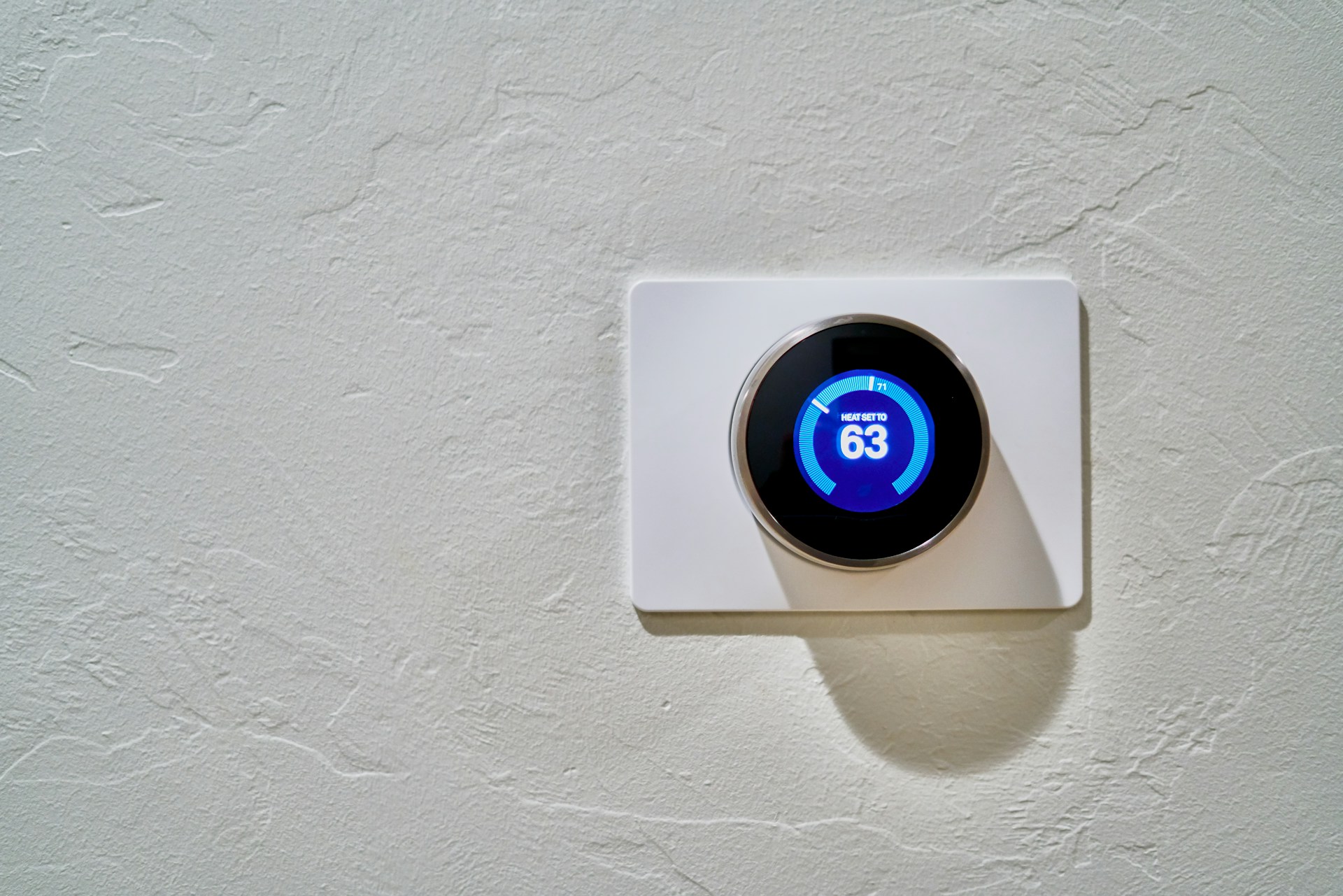
A smart thermostat learns when you’re home and adjusts heating and cooling around you. ENERGY STAR lists the common features of certified models: remote control from your phone, geofencing that sets the system back when you leave and warms or cools before you return, and schedules that learn your preferences.
The savings come from setbacks. The DOE says turning the thermostat back 7 to 10°F for 8 hours a day can save as much as 10% a year. It also notes that programmable thermostats haven’t generally been recommended for heat pumps, though newer models are made for them. Check yours before you buy.
Are smart locks worth it?
For most homes, yes. Your phone becomes your key, and you can open the door with a code, an app or a voice assistant. The best feature is temporary access: give a code to a dog walker or contractor and delete it when the job is done.
Pick a lock with a physical key backup and good battery alerts. Then lock down the account. The FTC suggests replacing factory usernames and passwords on every device, never reusing passwords and turning on two-factor login where it’s offered.
What makes a good robot vacuum?
A robot vacuum is a small helper that will make living in your home much easier. It moves around on its own, avoids obstacles and reaches under beds and sofas. Most run on a schedule from an app and work with smart home systems.
Higher-end models from brands like Roomba or Neato map your home and plan more efficient routes over time. Look for room-by-room mapping, no-go zones and a self-emptying base if you have pets. They’re a real help for busy people and anyone with limited mobility.
Is a smart oven worth adding?
If you cook a lot, it can be. Smart ovens connect to Wi-Fi, so you can preheat, set times and get alerts from your phone or a voice assistant. Some have a camera inside and programs for specific foods. For most kitchens, it’s a nice-to-have rather than a must. If you’re replacing an old oven anyway, it’s worth comparing.
When does a barrier gate make sense at home?
A gate controls who drives onto your property. It suits long driveways, rural lots, shared drives and homes on busy streets. Choose an automated model with a remote or phone control so you don’t have to get out of the car.
Products such as these ASE parking barrier gates (ASE stands for All Security Equipment) open quickly and include safety sensors, so only welcome guests get in. Check local rules and any HOA approval before installing one, and plan access for emergency vehicles.
In what order should you build a smart home?
Start with the network, not the gadgets. A strong, secure Wi-Fi router that reaches every room makes everything else work. A mesh system helps in larger or older homes with thick walls.
Then add devices one at a time, in order of payback:
Sell smarter
List your home on the MLS from $99
A flat fee instead of a percentage, and $0 to Beycome at closing. You stay in control of your sale.
Sell your home →Buy smarter
Get up to 2% back at closing
On homes listed by other agents, Beycome credits you up to 2% of the price at closing (1% kept, $1,499 minimum; not on FSBO homes or homes listed by Beycome sellers).
Buy a home →- A smart thermostat, for the energy savings.
- A smart lock and video doorbell, for security and easy access.
- A robot vacuum, for daily cleaning.
- A gate or smart oven, if your property or cooking habits call for one.
Try to stick with one platform, like the voice assistant you already use, so the devices talk to each other and you manage them in one app. For simple routines that tie them together, see 6 ways to automate parts of your home. Write down every account and password in a safe place. That list saves time when something breaks, and again when you sell.
How do you keep all these gadgets secure?
Every connected device is a door into your network. The FTC’s checklist is short:
- Change the router’s admin username, password and network name.
- Turn on wireless encryption on the router.
- Replace factory passwords on every device.
- Turn on two-factor login wherever it’s offered.
- Install firmware and app updates as they come.
For a wider look at devices and settings, see our guide to 6 smart home devices worth having.
Which real estate must-have gadgets help when you sell?
Buyers notice gadgets that come with the house. A smart thermostat, smart lock, video doorbell and a working gate can go in your listing remarks as features. A robot vacuum or countertop gadget usually leaves with you. What stays is set in your purchase contract, so list it clearly. Our article on how unique amenities boost property values covers how buyers see these features, and our tips on writing listing descriptions that attract buyers show how to describe them.
Before you hand over the keys, factory-reset each device, remove your accounts and leave the manuals. A smart lock also makes showings easier, since you can give a temporary code instead of a key. With Beycome, showing requests come through the platform and ShowingTime where available. A lockbox is an add-on on Basic and Enhanced, and Concierge includes one.
You can list your home on the MLS for a flat fee: Basic $99 ($129 in California and Illinois) or Enhanced $399, with $0 to Beycome at closing. Every plan includes unlimited listing updates, e-signature and the Artur AI assistant. Beycome lists in 17 states and DC and has helped 22,000+ homeowners save over $225 million. Support is 7 days a week, Artur AI 24/7.
Modern home gadget questions
Should I get a robot vacuum or a smart thermostat first?
Get the thermostat first if you want lower bills, and the vacuum first if you want back time. The DOE puts thermostat setback savings at up to 10% a year.
How much can a smart thermostat save?
Up to 10% a year on heating and cooling with 7 to 10°F setbacks for 8 hours a day, per the DOE. On a $900 bill, about $90.
Do smart thermostats work with heat pumps?
Some do. The DOE notes older programmable models weren’t recommended for heat pumps, but newer ones are designed for them.
Are smart locks safe?
They can be, if you change default passwords, turn on two-factor login and keep firmware updated, as the FTC advises.
Do smart home devices stay with the house when I sell?
Attached devices like thermostats and locks often stay, but the contract decides. List what conveys and reset each device before closing.
Which tech gadgets are worth mentioning in a listing?
The ones that come with the home: a smart thermostat, smart lock, video doorbell, security system or gate. Name them in your remarks.
What are the real estate must-have gadgets for sellers?
A smart lock or lockbox for showings, a video doorbell to see who’s at the door, and a smart thermostat to keep an empty home comfortable for visits. Factory-reset each one before closing.
Smart thermostat vs baby gate: which comes first with a toddler?
They do different jobs. A baby gate is safety gear for stairs and doorways, so it comes first once a child crawls. A smart thermostat is about comfort and energy bills, and it can wait.
Energy figures: ENERGY STAR and the U.S. Department of Energy; savings vary by climate, home and settings. Security tips: FTC. All read October 28, 2026. Product mentions are examples, not endorsements. Beycome prices as of November 2026; “$0 at closing” means no Beycome fee at closing. ShowingTime where the MLS offers it.
Sources
- ENERGY STAR, smart thermostats, read October 28, 2026.
- U.S. Department of Energy, home upgrades, read October 28, 2026.
- FTC, securing internet-connected devices at home, read October 28, 2026.
- Beycome, listing package features, October 2026.
Disclosure & Disclaimer
Beycome provides real estate services through affiliated licensed brokerages and has a commercial interest in the services and business models discussed on this blog. Content reflects Beycome’s perspective and may promote our services; it should not be treated as independent or neutral reporting.
Articles are provided for general informational and educational purposes only, not as financial, tax, legal, or investment advice or a recommendation for your particular situation. Reading this blog does not create a brokerage, advisory, or other professional relationship.
Information, opinions, pricing, service descriptions, and comparisons reflect the sources and information available when an article was published or last updated and may change. Although we aim for accuracy, we do not guarantee that all content is complete, current, or applicable to your circumstances. Laws, market conditions, and service availability vary by location. Examples and estimated savings are illustrative, depend on stated assumptions, and do not guarantee individual results.
Verify relevant information directly and consult qualified professionals before making decisions. Beycome services are subject to applicable agreements, eligibility requirements, and state-specific terms.

