
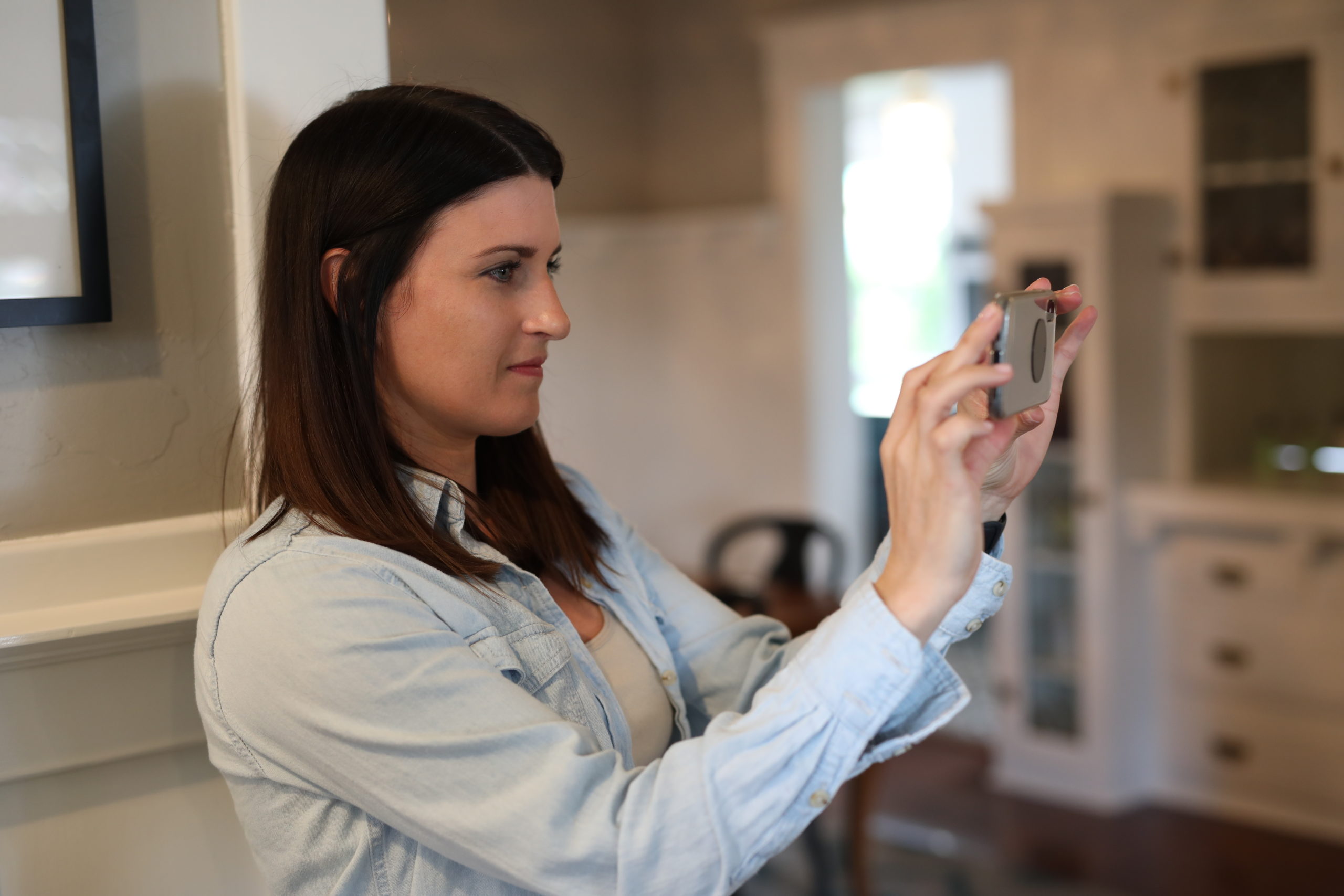
Updated November 2026. Where to host a real estate video tour, plus how to plan and film a house tour yourself when you sell, and when to hire a drone pilot.
For real estate video hosting, most sellers upload the tour to YouTube (public or unlisted) or Vimeo, then paste the link into the MLS virtual tour field and share it everywhere else. Keep the cut to about 2 to 4 minutes, filmed horizontally on a steady phone. As of November 2026, any drone shot for a sale needs an FAA-certified pilot under Part 107.
Jump to: 🏢 Video hosting · 🪜 Plan the route · 📸 Filming tips · 🏠 Drone video · ❓ FAQ
Key takeaways
- Host the tour on YouTube (unlisted works) or Vimeo, then paste the link in the MLS virtual tour field.
- Photos show details; video shows flow. Film how rooms connect, not every corner.
- Shoot horizontally, at walking pace, with the phone at chest height and a stabilizer or gimbal if you have one.
- Stage first. In NAR’s 2025 Profile of Home Staging, 83% of buyers’ agents said staging helps buyers picture a home as their own.
- Drone pilots flying for work or business must pass the FAA knowledge test and register the drone ($5, valid 3 years).
Ready to list once the video is done? A Beycome flat fee MLS listing puts your home and its tour link on the major home search sites and the MLS, from $99 in most states ($129 in California and Illinois).
If a picture says a thousand words, a video tour answers the questions photos can’t. Can you see the backyard from the kitchen? How far is the primary bedroom from the kids’ rooms? Out-of-town buyers especially want to see how a home fits together before they book a flight. Here’s where to host it first, then how to plan and film one that helps you sell.
Where should you host a real estate video tour?
Pick one home for the file and share links everywhere else. A single host means one view count, one place to fix a typo, and one link you can paste into the MLS, a text message or a flyer QR code.
| Where | Good for | Watch out for |
|---|---|---|
| YouTube (public or unlisted) | Free, plays on any device, easy to link | Ads and suggested videos around yours |
| Vimeo | Clean player, no ads on paid plans | Free plans have upload limits |
| Facebook and Instagram | Reaching friends and local groups | Short clips work better than full tours |
| Your MLS listing | Buyers’ agents see it with the photos | Use the virtual tour field if your MLS has one |
How do you add the video to your MLS listing?
Most MLSs have a virtual tour field that takes a link, not a file. Many also split it into a branded and an unbranded field, and the unbranded one can’t show agent or broker names, phone numbers or logos. So keep two versions if you can: a clean cut for the MLS, and one with your contact card for your own sharing. Your broker can tell you your MLS’s rule. With Beycome, you add or change the link yourself in your dashboard, and the change reaches the MLS through the listing-change flow.
Upload settings matter less than you’d think. Export a standard MP4 at 1080p, which every host accepts, and keep the original 4K file on your computer in case you need a new cut.
Which host fits which goal?
| Your goal | Best fit | Why |
|---|---|---|
| Free, works everywhere | YouTube, unlisted | Anyone with the link can watch; it doesn’t show up in YouTube search |
| No ads or suggested videos | Vimeo paid plan | A cleaner player for the MLS link and your own site |
| Local reach | Facebook and Instagram | Post a 30 to 60 second cut and link to the full tour |
| Agents see it first | MLS virtual tour field | It sits next to the photos in the agent’s search |
Sharing with your own circle still sells homes. Our guide on how to market the easy way with your personal network shows how. And if you list with Beycome, your photos and listing details reach the major home search sites through the MLS. Our guide to selling by owner on Zillow explains what each portal shows.
One caution: the FTC warns that rental scammers copy pictures, descriptions and virtual tours from real listings to post fake ads. Keep your address and contact details visible in the video, and report any copy you find.
How do you plan a house tour video?
Walk the route once without the camera. You want one continuous path a visitor would take, with no backtracking.
- Start outside: the street, the front of the house and the walk to the door.
- Step inside and pause on the main living space. Show how it opens to the kitchen and dining area.
- Move through the kitchen, then out to the patio or yard if it connects there.
- Take the stairs or hallway to the bedrooms, primary suite last on that level.
- Finish with the best feature: a view, a deck at sunset, a finished basement.
Write a short shot list on your phone. For each room, note one thing to point out that photos can’t show: morning light, a pantry behind the door, how quiet the street is. Our tips for a successful home tour help you decide what buyers care about in person, and the same priorities work on video.
Prepare the house first
- Clear counters, floors and the fridge door.
- Open blinds and turn on every light, including lamps and under-cabinet lights.
- Hide cords, pet bowls, toiletries and anything personal.
- Mow, sweep the entry and move cars out of the driveway.
The living room deserves the most attention. NAR’s 2025 Profile of Home Staging found it was the room most often staged (91%), ahead of the primary bedroom (83%) and dining room (69%). Our home staging tips cover the rest.
How do you film a house tour with your phone?
You don’t need a film crew. A recent phone and a little discipline get you most of the way.
- Hold the phone horizontally. A horizontal frame gives a wider view and fits TV screens and laptops.
- Use the main camera and record in 4K or 1080p at 30 frames per second.
- Lock exposure and focus by pressing on the screen, so the picture doesn’t pulse as you move.
- Keep the phone at chest height and level. Tilted horizons make rooms look crooked.
- Walk slowly, heel to toe, and bend your knees a little. A gimbal smooths it further.
- Pause 3 to 5 seconds at each doorway, then move in.
- Turn off fans and music, and close windows on a busy street.
Should you talk? A short voice-over helps: name each room and one detail, like “the slider opens straight onto the patio.” Some sellers like to share how they’ve used the home, such as hosting a holiday dinner around the dining table. Keep it brief and friendly, and let buyers imagine their own life there. Talk about the home, not about who you think should live there.
Sell smarter
List your home on the MLS from $99
A flat fee instead of a percentage, and $0 to Beycome at closing. You stay in control of your sale.
Sell your home →Buy smarter
Get up to 2% back at closing
On homes listed by other agents, Beycome credits you up to 2% of the price at closing (1% kept, $1,499 minimum; not on FSBO homes or homes listed by Beycome sellers).
Buy a home →Do two or three takes. It’s easier to pick the best than to fix a shaky one. Still shoot your listing photos separately, though; a frame pulled from video is never as sharp. Our real estate photography facts explain why, and home photos that upgrade your listing has a shot list.
Editing
Trim the dead air and stitch the best takes. The free editors on your phone are enough. Add a title card with the address and a closing card with how to schedule a showing. Aim for 2 to 4 minutes; most viewers won’t watch a 15-minute walk-through. Add captions for anyone watching with the sound off.
Do you need a licensed pilot for drone video?
Aerial shots show the lot, the roofline and what’s nearby. They also come with rules. The FAA says that if your drone is under 55 pounds and you fly for work or business, you follow Part 107. That means passing the Unmanned Aircraft General knowledge test to earn a Remote Pilot Certificate, and registering the drone, which costs $5 and is valid for 3 years. Drones that need registration must also broadcast Remote ID.
If you hire someone, ask for their Remote Pilot Certificate and proof of insurance. Night flights and flights over people need waivers. Our post on drone property photos and videos has more on what to ask for.
What else helps buyers after they watch the video?
A good video makes people want to visit. Make that easy: offer weekend and evening slots, and use online scheduling so buyers’ agents can book without phone tag. Our tips on home visits during off hours help when buyers work 9 to 5. Smart locks and video doorbells can help with showings too; see smart home devices for your home.
Ready to list? A Beycome flat fee MLS listing starts at $99 in most states ($129 in California and Illinois) with $0 due to Beycome at closing, and carries the maximum photos the MLS allows. Every plan includes e-signature, unlimited listing updates, ShowingTime where available and the Artur AI assistant. Prefer a pro shoot? Enhanced ($399) includes a professional photo shoot, scheduled separately, or add one to Basic for $189.
Real estate video tour FAQ
How do I make a real estate video tour myself?
Stage the home, plan one route from the curb to the best feature, film horizontally at walking pace, pause at doorways, and edit it down to 2 to 4 minutes.
How long should a house tour video be?
About 2 to 4 minutes for a typical home. Show flow and key features, not every closet.
Where should I host my real estate video?
YouTube or Vimeo, then share the link on social media, with buyers and in your MLS listing if it has a virtual tour field.
What is the best real estate video hosting site?
For most sellers, YouTube (public or unlisted) is free and plays on any device. Vimeo’s paid plans give a cleaner player with no ads. Either way, paste the link into your MLS virtual tour field.
Can I upload a video file directly to the MLS?
Usually not. Most MLSs take a link in a virtual tour field, and many require an unbranded version with no agent names or phone numbers. Ask your broker for your MLS’s rule.
Should I film vertically or horizontally?
Horizontally for the full tour. Vertical works for short social clips.
Do I need a license to film my house with a drone?
If the flight is for work or business, the FAA’s Part 107 rules apply: a Remote Pilot Certificate and a registered drone. Hiring a certified pilot is the simple route.
Should I talk during the video tour?
A short voice-over naming rooms and one detail each helps. Keep it friendly and factual.
Drone rules summarize the FAA’s Part 107 guidance, read October 26, 2026. Staging figures from NAR’s 2025 Profile of Home Staging. Beycome prices as of November 2026 and subject to change (Basic $129 in California and Illinois). MLS virtual tour rules vary by MLS. “$0 at closing” means no Beycome fee at closing; taxes, title fees and any agreed buyer-agent compensation still apply. Photo count is the maximum the local MLS allows. ** Listing term: the maximum the state and MLS allow. General information only.
Sources
- FAA, certificated remote pilots including commercial operators (Part 107), read October 26, 2026.
- NAR, 2025 Profile of Home Staging, read October 26, 2026.
- FTC, rental listing scams, read October 26, 2026.
- Beycome, listing package features, October 2026.
Disclosure & Disclaimer
Beycome provides real estate services through affiliated licensed brokerages and has a commercial interest in the services and business models discussed on this blog. Content reflects Beycome’s perspective and may promote our services; it should not be treated as independent or neutral reporting.
Articles are provided for general informational and educational purposes only, not as financial, tax, legal, or investment advice or a recommendation for your particular situation. Reading this blog does not create a brokerage, advisory, or other professional relationship.
Information, opinions, pricing, service descriptions, and comparisons reflect the sources and information available when an article was published or last updated and may change. Although we aim for accuracy, we do not guarantee that all content is complete, current, or applicable to your circumstances. Laws, market conditions, and service availability vary by location. Examples and estimated savings are illustrative, depend on stated assumptions, and do not guarantee individual results.
Verify relevant information directly and consult qualified professionals before making decisions. Beycome services are subject to applicable agreements, eligibility requirements, and state-specific terms.

